SYNCHRONIZATION SERVICE
Accounting and ERP Software Integration with Internet Bank
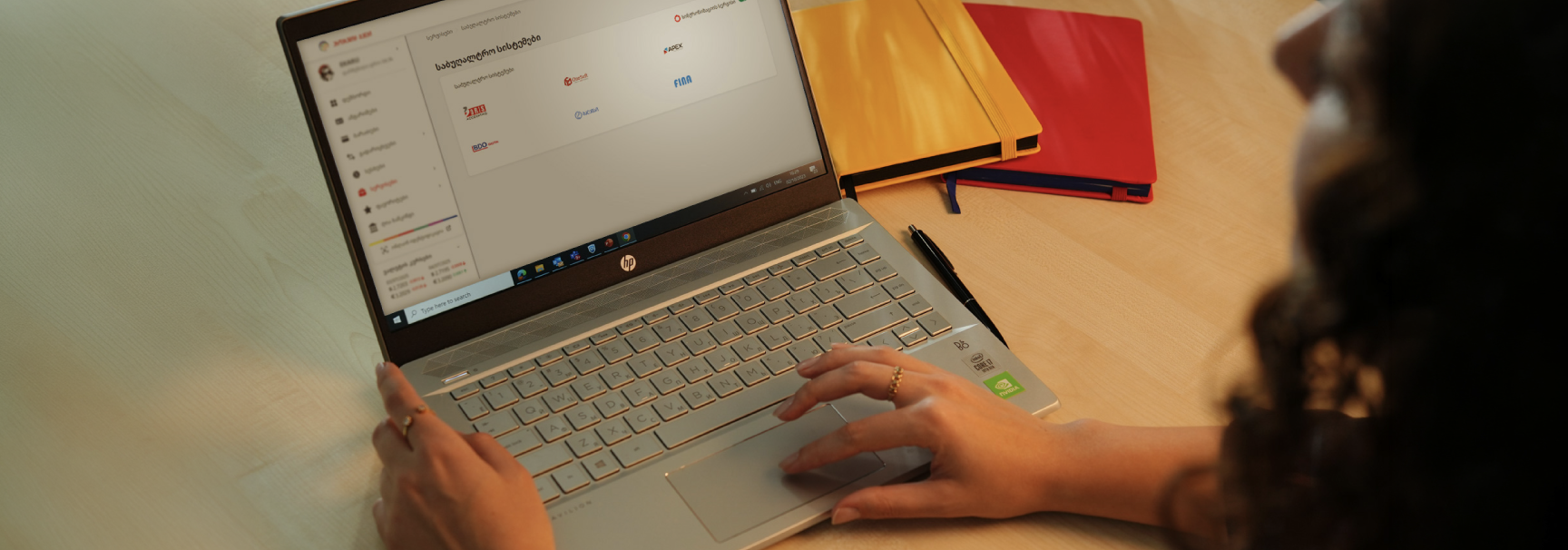
Automating financial processes will help you manage your finances accurately and on time, while reducing your administrative workload.
FREQUENTLY ASKED QUESTIONS
What does the synchronization between your accounting software and Internet Banking allow you to do?
The synchronization service allows you to connect your accounting software or ERP system directly to ProCredit Internet Banking and:
- receive transactions in real time;
- automatically update financial data;
- send payment orders from your accounting software to Internet Banking;
- receive account statements from Internet Banking directly in your accounting software.
How to Activate the Service
The synchronization service can be activated via internet banking:
1.Go to the “Services” menu
2.Select “Accounting Systems”
3.Activate the Synchronization Service