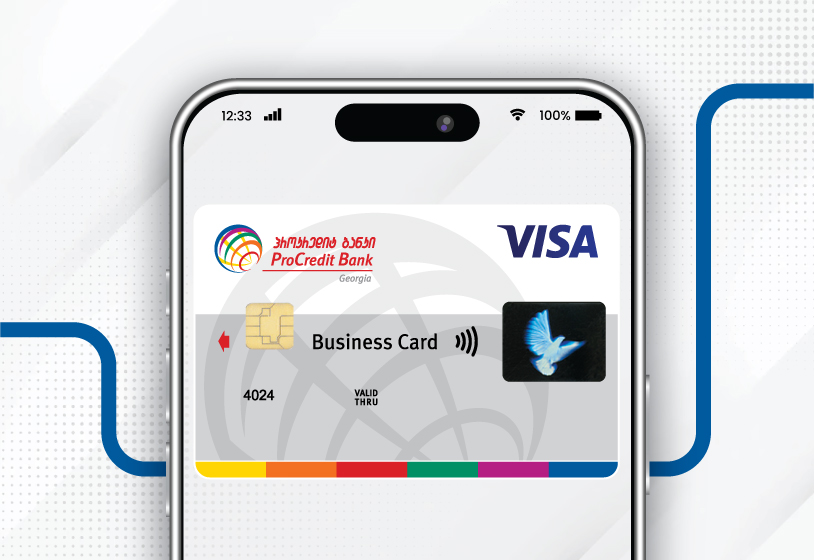
BUSINESS CARD FOR YOUR EVERYDAY BUSINESS NEEDS
For your business, ProCredit offers the premium Visa Business Platinum card.
The card combines flexible management of your day-to-day business finances with travel privileges and special offers in Georgia and abroad.
RECOMMENDATIONS WHILE CONDUCTING CARD TRANSACTIONS
Choose Lari (GEL), if the transaction is conducted in Georgia
If the desired transaction, including the cash withdrawal, purchase, cash deposit at ProCredit Bank ATMs, is made in USD or EUR from the main GEL account, the conversion shall be made at the commercial rate of the Bank; while in any other currency, the conversion shall be made from GEL to USD first, at the commercial rate of the Bank, and then to the other currency at the exchange rate of international payment system (Visa/MasterCard);
! Exceptions are international companies and foreign websites operating in Georgia, which offer product/service prices in GEL but are paid through their serving foreign financial institutions and the transaction is processed in EUR/USD according to the registration zone.
Choose Euro(EUR), if the transaction is conducted in the Eurozone
If the transaction of cash withdrawal or purchase is made in GEL or USD from the main EUR account, the conversion shall be made at the commercial rate of the Bank, while in any other currency, the conversion shall be made from EUR to USD first, at the commercial rate of the Bank, and then to the other currency at the exchange rate of the payment system (Visa/MasterCard).
Choose US dollars (USD), if the transaction is conducted in any other territories
If the transaction of cash withdrawal or purchase is made in GEL or EUR from the main USD account, the conversion shall be made at the commercial rate of the Bank, while in any other currency, the conversion shall be made at the exchange rate of the payment system (Visa/MasterCard).
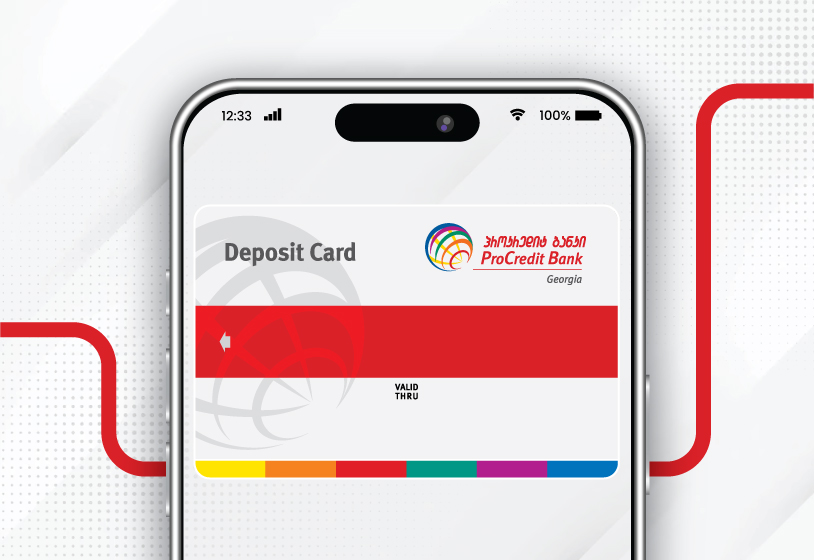
DEPOSIT CARD FOR DEPOSITING FUNDS INTO YOUR ACCOUNT
Card benefits for your business:
-
Deposit funds into your company account 24/7 via a universal ATM
-
Allow third parties to deposit funds directly into your company account
3D Security
For additional security of online transactions, ProCredit Bank, along with VISA and MasterCard, offers 3D Secure (Three Domain Secure) service developed under international standards.
FREQUENTLY ASKED QUESTIONS
What is 3D Secure?
International Payment Systems have developed a service known as ‘Verified by Visa’ in the case of VISA and as ‘MasterCard SecureCode’ in the case of MasterCard.
The service requires a 3D code – a unique online identifier – to validate online card purchases, thus providing an extra layer of security for online shopping.
Online card purchases will be confirmed each time by dynamically generated single-use 3D code generated directly at the time of online shopping and sent via SMS to the cardholder's mobile phone number. The 3D code is valid only for the given transaction.
3D Secure is a mandatory service available on websites with ‘Verified by VISA’ and ‘MasterCard SecureCode’ statuses. Such websites are identified by the ‘Verified by VISA’ and ‘MasterCard SecureCode’ logotypes on their home page.
What are 3D secure benefits?
- Extra controls to protect the cardholder against unauthorized use of card data when doing online shopping
- The cardholder needs no special equipment and/or software to use 3D Secure
- The 3D code is sent via SMS directly to the cardholder's mobile phone number
- Only the person who knows the 3D code can confirm the card purchase on website
- Your 3D code is not known to website owners
How to use 3D code?
To use the service of receiving 3D code, you need to register your mobile phone number with the Bank in advance before doing online shopping. This can be done both during a visit to any branch of the Bank and independently through Internet Banking:
* Go to the ‘My Profile’ menu, then ‘Personal Information’, select ‘Phone Number for Plastic Cards’ and enter your mobile phone number.
You need to register ‘Phone Number for Plastic Cards’ only once, to which a dynamically generated code will be sent via SMS to confirm each online purchase.
How to use 3D dynamic code while online purchase
- Choose the products or services you wish to buy on websites with ‘Verified by VISA’ and ‘MasterCard SecureCode’ statuses.
- Go to the purchase page.
- After entering your card data, you will automatically be redirected to the webpage (see ‘Verified by VISA’ and ‘MasterCard SecureCode’ example here) where you will need to enter the 3D code in the relevant field, which will be sent to your mobile phone number registered in advance with the Bank.